

- Solutions
- Products By Type
- Our Services
- Industries
- Who We Are
- Events
- Support
- Blog
- Contact Us
Publishing the iMIS desktop using Windows Remote Desktop Services
Posted on: Feb 13th, 2012
Filed under:
Publishing the iMIS desktop with remote desktop services and pushing out with group policy is a fairly straight forward process. However, there is one argument path that if NOT set properly will result in a blank iMIS screen like shown below:
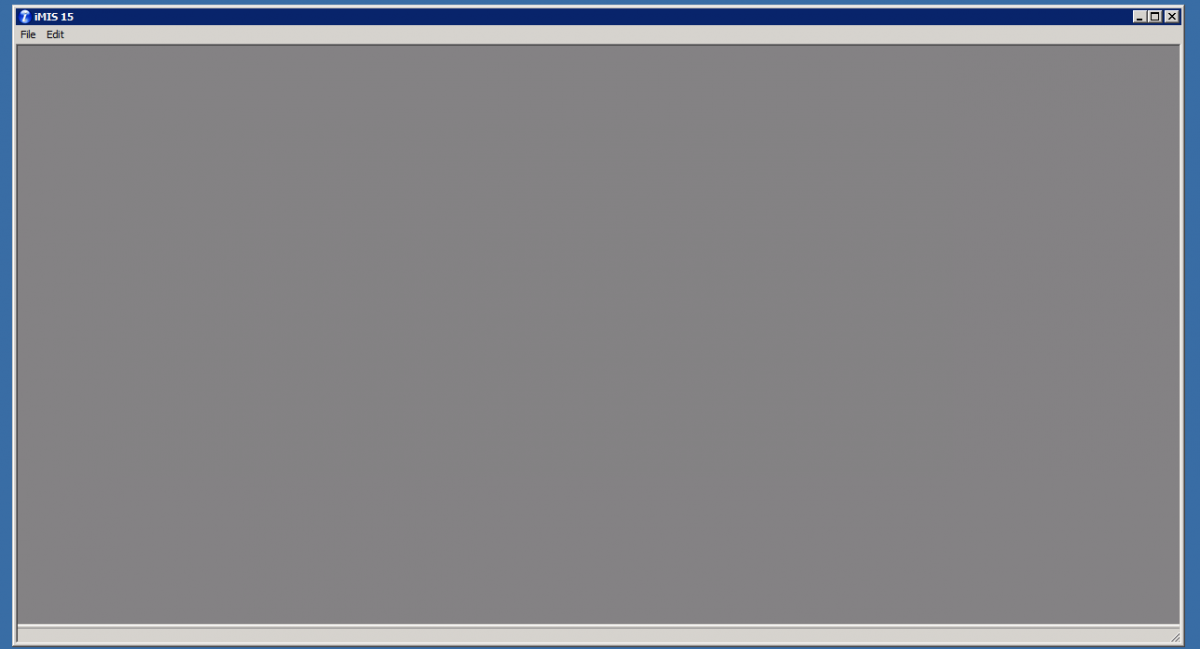
This is because the Remote App manager points to a default path of "C:\Program Files (x86)\ASI\iMIS15\Omnis7\Omnis7.exe" with the argument of imis4.lbr.
When launching the published application with the default argument, the iMIS desktop client can’t find the library file since it is looking in the same directory as the executable file (Omnis7.exe).
Resolution:
Add the ..\ argument. This will force the client to go up to the appropriate folder level and call the imis4.lbr file.

iMIS should now launch as expected!


